How to play Hue Recall, the free online colour memory game
See a colour. It vanishes. Make it again from memory.
- Players
- 1–8 (solo too)
- Length
- ~5 min
- Type
- Memory
- Price
- Free
Hue Recall shows everyone the same colour for a few seconds, then hides it. You make it again with three sliders, and the closer you get, the more you score.
It sounds easy until you try it. Most people remember a colour as brighter and bolder than it was, and a soft grey-blue turns into plain blue by the time the sliders appear. There are no words in a round, so it plays the same whatever language your group speaks.
Free, no app and no sign-up to join — players hop in with a 4-letter code on their own phone.
How to play Hue Recall
The host picks the rounds
Eight is the default. In the game setup the host can switch to Palette mode, with three colours at once, and pick the difficulty.
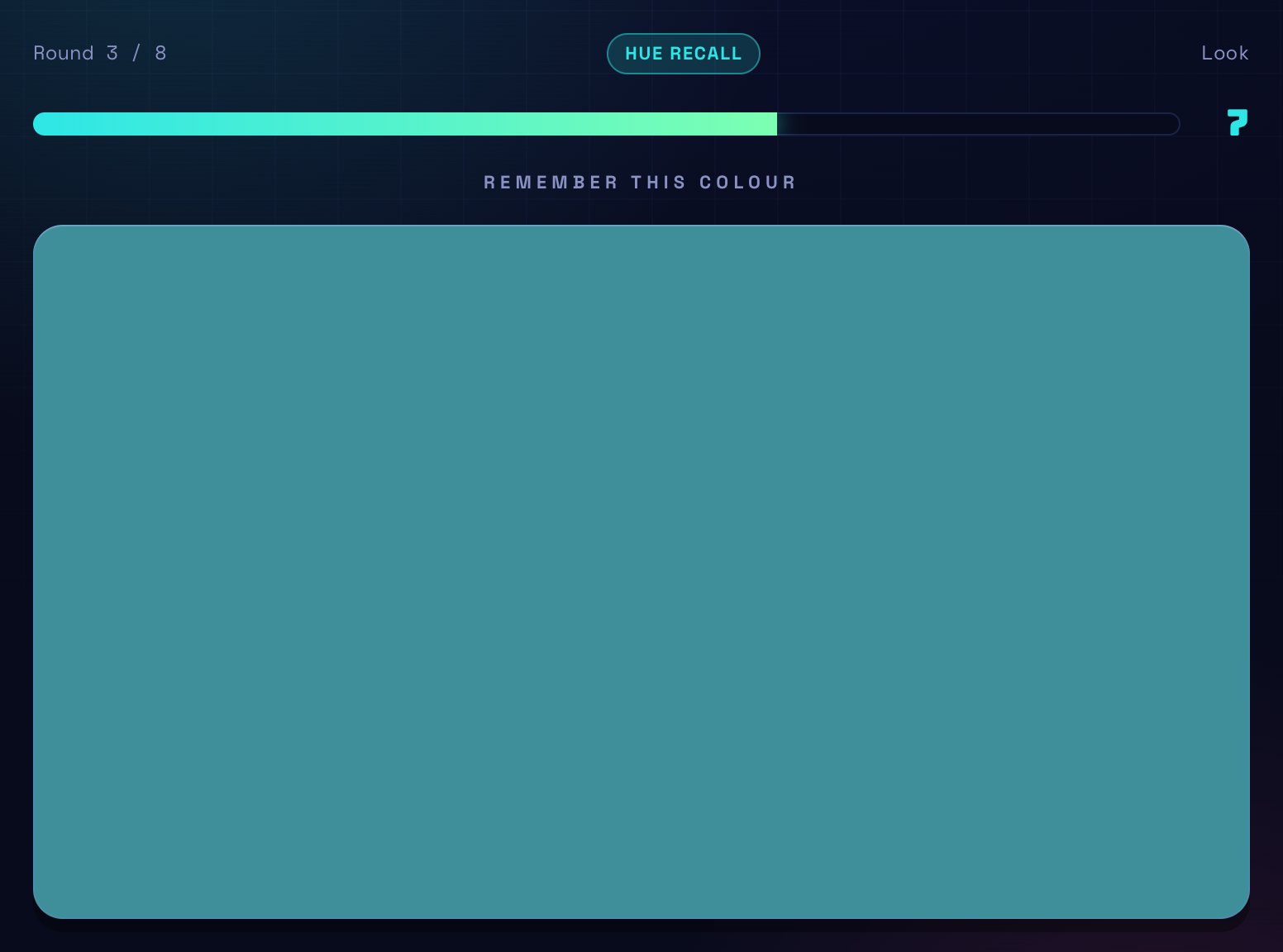
Look at the colour
It fills most of the screen for a few seconds. Everyone sees the same one at the same time.
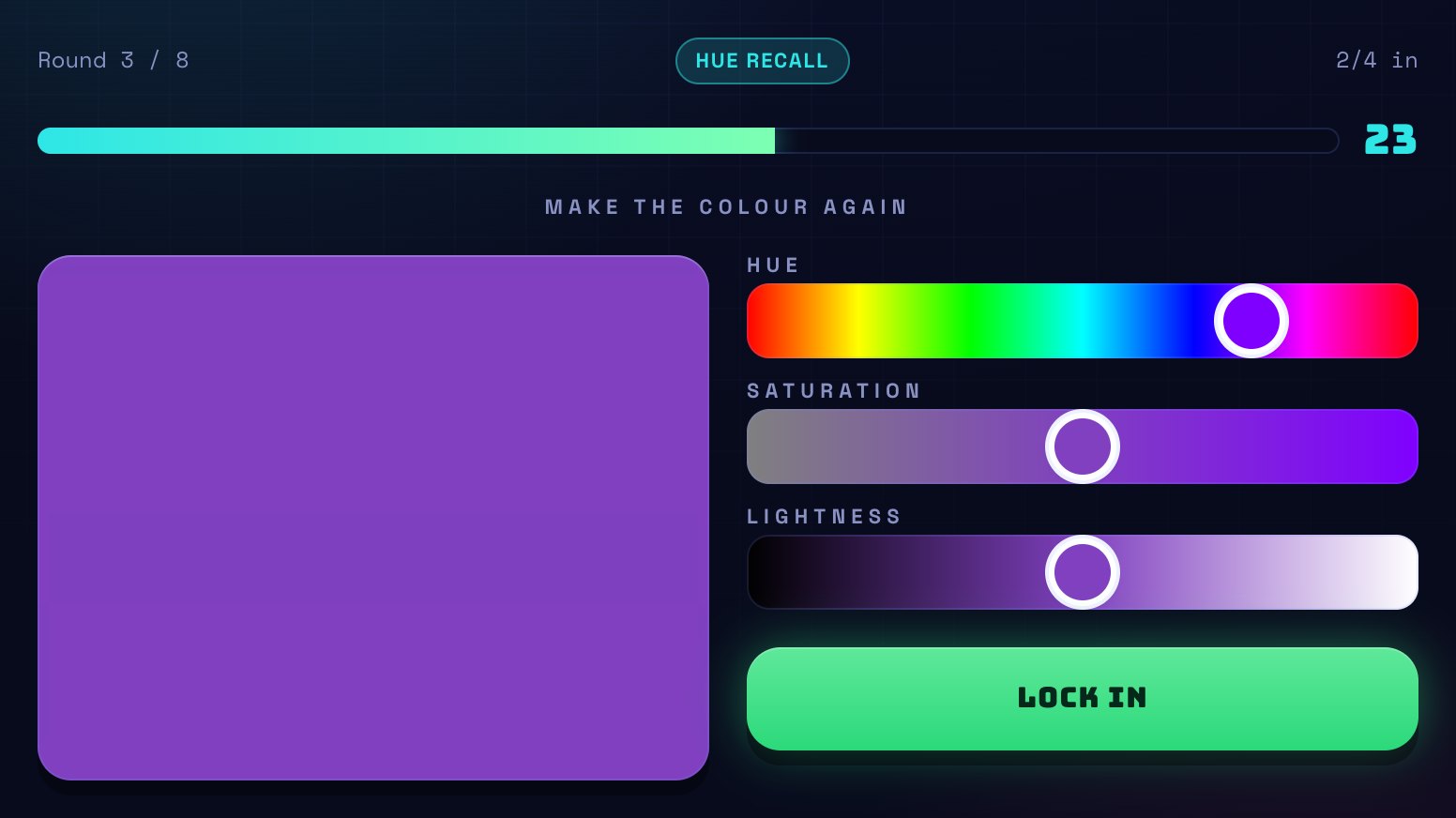
Make it again
The colour disappears and three sliders appear: hue (which colour), saturation (how strong) and lightness (how light or dark). The big square above them shows your colour as you go.
Lock in before the timer
Press Lock in when you're happy. If time runs out after you've moved a slider, the game locks in what you have. Once everyone has locked in, the round ends early.
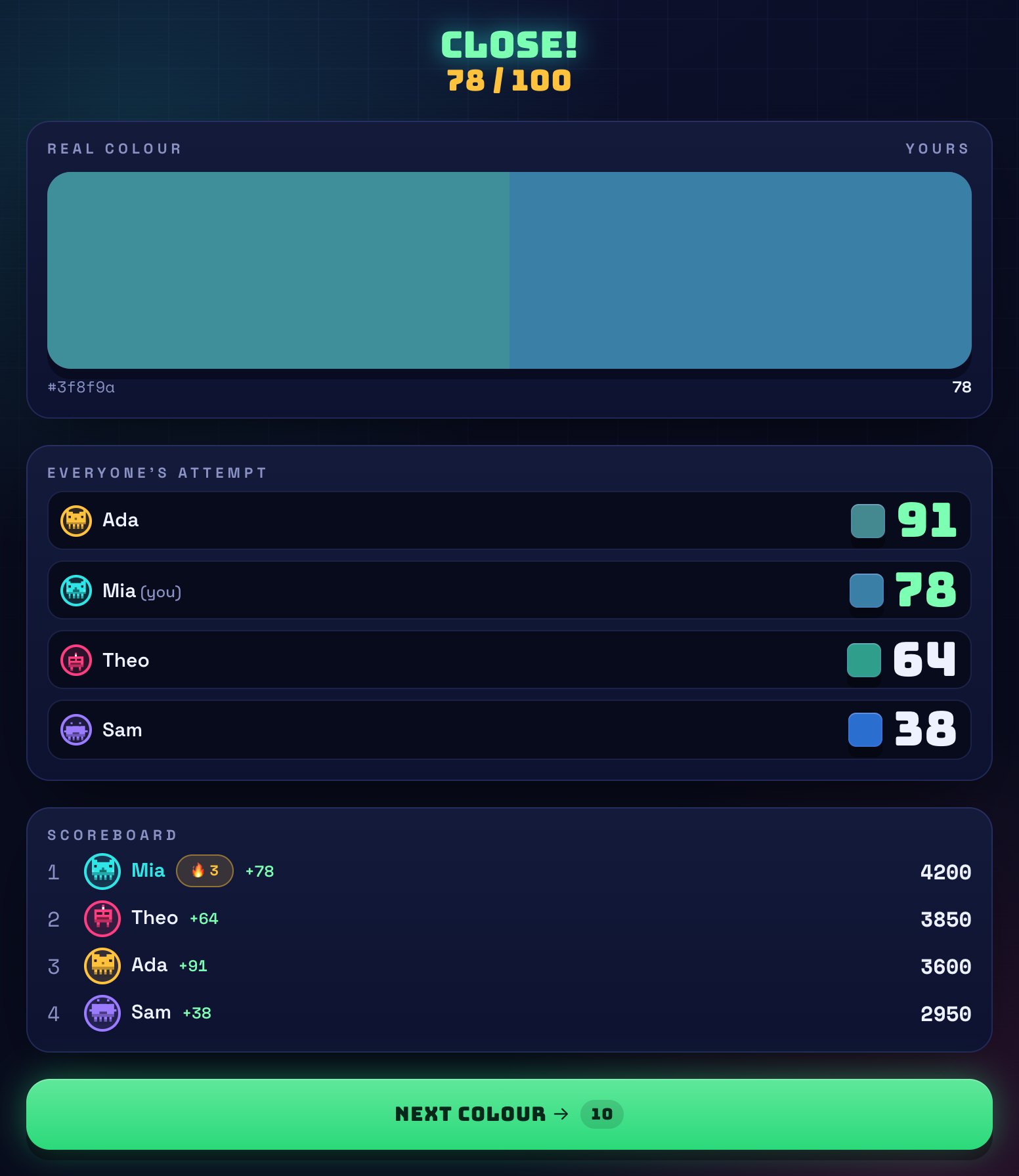
Compare
The reveal puts the real colour right next to yours, and shows everyone's attempt with its score.
What Hue Recall looks like
How scoring works
Each colour scores from 0 to 100 depending on how close you got. An exact match is 100.
Close counts for a lot. A colour most people could only just tell apart from the real one still scores over 90, and a fair attempt scores around 70.
In Palette mode your round score is the average of your three colours.
There are no points for speed. Take the whole timer if you need it.
Points add up over the game and the highest total wins.
Tips for winning Hue Recall
- Get the hue right first, then the lightness, then the saturation. Hue is the one people remember best.
- Name the colour in your head while you look. "Dusty teal, a bit dark" is easier to rebuild than a picture.
- If you're unsure, pull the saturation down a little. Memory makes colours more vivid than they were.
- In Palette mode, give each colour one word and say the three words over to yourself.
- On Hard, the greys and pastels have a faint tint. Look for which way it leans: warm or cool.
Frequently asked questions
How many players do you need?
One to eight. Everyone scores on their own, so it works solo too, and you can fill seats with Blips (computer players that get close but rarely exact).
How is the score worked out?
We compare your colour and the real one using CIEDE2000, a standard formula for how different two colours look to the human eye. It's worked out on our server, not on your device, and turned into a score from 0 to 100.
What do the difficulty levels change?
Easy uses bright, clear colours. Mixed, the default, uses all sorts of colours, bold or soft, but nothing close to black or white. Hard uses greys, pastels and very dark colours, where small differences are hard to see.
What is Palette mode?
Three colours appear at once and you make all three again. You get a little longer to look and a lot longer to rebuild them.
Does it work for colour-blind players?
Partly. The lightness slider works for everyone, but some hues will be hard to tell apart, and the score is based on typical colour vision.
How long is a game?
About 5 minutes at the default eight rounds. The host can make it slower or faster with the pace setting.
Is it free?
Yes. It's free to play and free to host, and joining only needs the room code.
Free, no app and no sign-up to join — players hop in with a 4-letter code on their own phone.